
Docker Desktop now has a beta feature called Model Runner for pulling and running AI models locally with the same Docker workflow you already use. This post covers what it does, the basic commands, and how to call the OpenAI-compatible API from a container or the host.
What is Docker Model Runner?
Docker Model Runner is a beta feature for Docker Desktop. It pulls models from Docker Hub, keeps them on disk, and loads them into memory only when you run them. If you already use Docker day to day, the OpenAI-compatible APIs make it straightforward to plug a local model into an app.
What you get
- Pull, run, and remove models from the command line.
- Models load at runtime and unload when idle.
- OpenAI-compatible APIs for app integration.
- The same Docker commands you already know.
Key Features of Docker Model Runner
Useful capabilities:
- Pull models from Docker Hub.
- Run them locally with simple commands.
- List or remove local models.
- Prompt or chat with a model.
- Keep memory use down by loading models only when needed.
- Call OpenAI-compatible APIs from your apps.
That mix is enough to prototype a local assistant without standing up a separate model server.
How to Get Started with Docker Model Runner
Prerequisites
To start using Docker Model Runner, you’ll need:
- Docker Desktop version 4.40 or later
- A Mac with Apple Silicon (currently supported)
- Beta features enabled in Docker Desktop under “Features in development”
Basic Commands
Here’s a quick guide to essential commands:
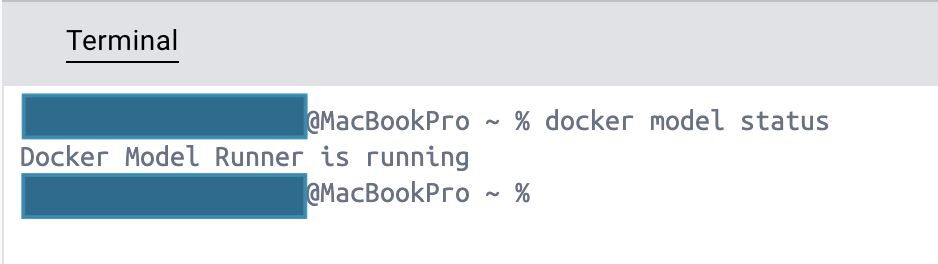
Check if Model Runner is active
docker model status
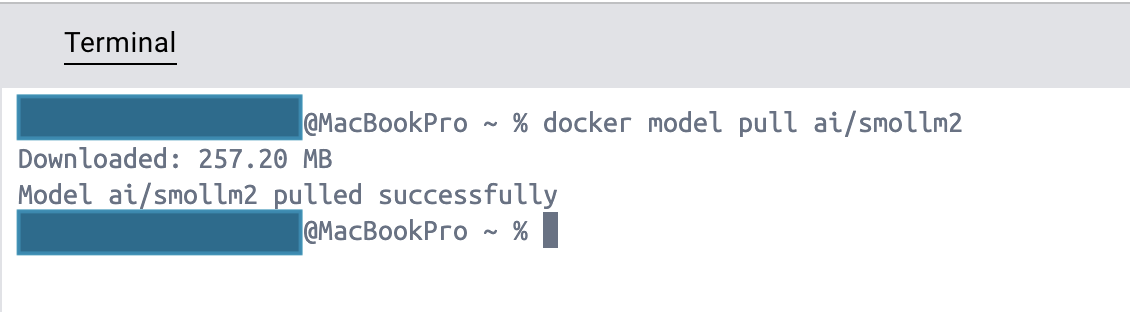
Pull a model from Docker Hub
docker model pull ai/smollm2
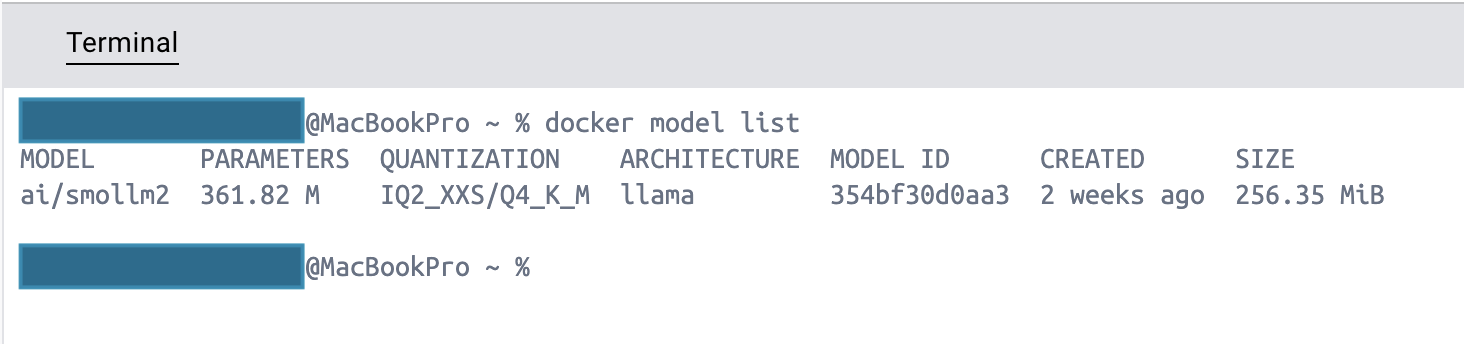
List downloaded models
docker model list
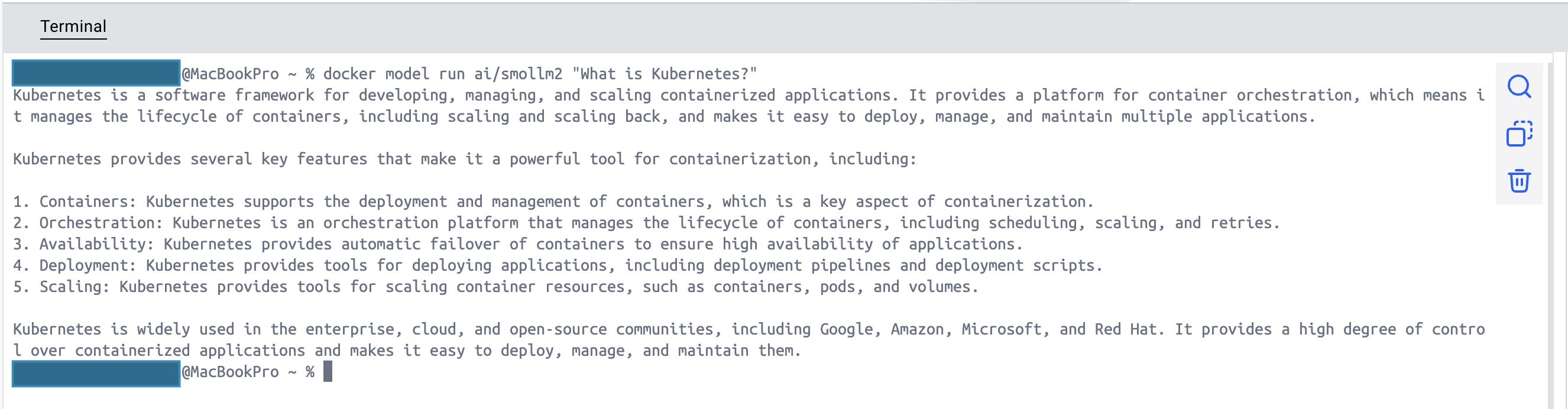
Run a model with a single prompt
docker model run ai/smollm2 "What is Kubernetes?"
Remove a model
docker model rm ai/smollm2
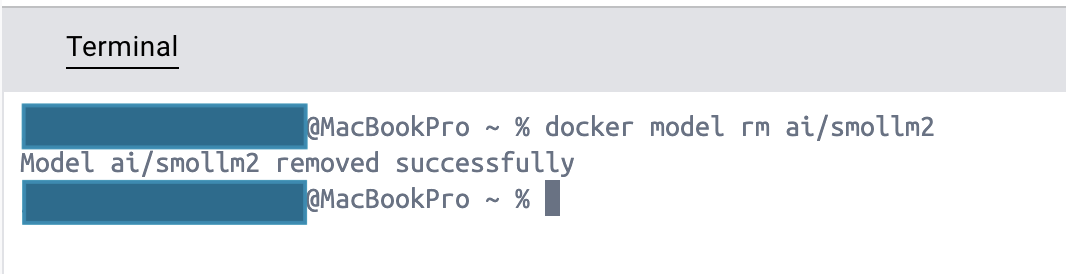
Those are the commands I used while trying Model Runner from the terminal.
Building AI Assistants with Docker Model Runner
A common use case is wiring a local model into an app through the OpenAI-compatible API. Here is how to reach it:
From Within Containers:
   #!/bin/sh

   curl http://model-runner.docker.internal/engines/llama.cpp/v1/chat/completions \
      -H "Content-Type: application/json" \
      -d '{
         "model": "ai/smollm2",
         "messages": [
               {
                  "role": "system",
                  "content": "You are a helpful assistant."
               },
               {
                  "role": "user",
                  "content": "What is Kubernetes?"
               }
         ]
      }'
From the Host (Unix Socket):
   #!/bin/sh

   curl --unix-socket $HOME/.docker/run/docker.sock \
      localhost/exp/vDD4.40/engines/llama.cpp/v1/chat/completions \
      -H "Content-Type: application/json" \
      -d '{
         "model": "ai/smollm2",
         "messages": [
               {
                  "role": "system",
                  "content": "You are a helpful assistant."
               },
               {
                  "role": "user",
                  "content": "What is Kubernetes?"
               }
         ]
      }'
From the host using TCP:
If you prefer to interact with the API directly from your host machine using TCP rather than a Docker socket, you can enable this functionality. TCP support can be activated either through the Docker Desktop graphical interface or by using the Docker Desktop command line with sh docker desktop enable model-runner --tcp <port>
Once TCP support is enabled, you can communicate with the API through localhost using either your specified port number or the default port, following the same request format shown in the previous examples.
   #!/bin/sh

   curl http://localhost:12434/engines/llama.cpp/v1/chat/completions \
      -H "Content-Type: application/json" \
      -d '{
         "model": "ai/smollm2",
         "messages": [
               {
                  "role": "system",
                  "content": "You are a helpful assistant."
               },
               {
                  "role": "user",
                  "content": "What is Kubernetes?"
               }
         ]
      }'
For hands-on examples, check out the official https://github.com/docker/hello-genai.git repository on GitHub. It includes sample applications in Python, Node.js, and Go.
Where to Find Models
Docker provides an extensive collection of pre-trained AI models on its Gen AI Catalog at https://hub.docker.com/catalogs/gen-ai. Popular options include:
- SmolLM2: Tiny LLM built for speed, edge devices, and local development.
- Llama Models: Available in various sizes for different use cases.
- Other optimized models tailored for specific applications.
That catalog is the easiest place to find a model that fits your machine.
Known Limitations
Model Runner is still beta. A few limitations stood out:
- Lack of safeguards for oversized models that may exceed system resources.
- Chat interface may still launch even if the model pull fails.
- Progress reporting during model pulls can be inconsistent.
I expect these to improve as the feature leaves beta.
Why it fits a Docker workflow
If you already live in Docker Desktop:
- Containers and models stay in one environment.
- Commands feel familiar.
- Models load only when needed.
- Apps can talk to the model over an OpenAI-compatible API.
Closing
Model Runner is still early, but it is useful when you want a local model without inventing a second toolchain. Try the commands above, then point a small app at the API if the workflow fits.